Pensions Dashboards and Employers: What You Need to Know Before 31 October 2026
“Pensions dashboard” is one of those phrases that gets mentioned in passing and nodded along to, without anyone quite admitting they’re not sure what it means. That’s not a criticism. It’s a fair reflection of how little the industry has explained this to the people who’ll actually field the questions from staff.
A recent survey of 500 HR decision makers by employee benefits firm Everywhen put a number on that gap: just one in five said they know “a lot” about the pensions dashboard. Another 38% said they know “a bit”, 20% had heard the term but couldn’t tell you what it meant, and 21% had never heard of it at all. So four out of five employers are heading into a fairly significant shift in how people see their pensions with next to no preparation. Here’s what actually matters, and, just as importantly, what doesn’t.
What is the pensions dashboard, in plain terms?
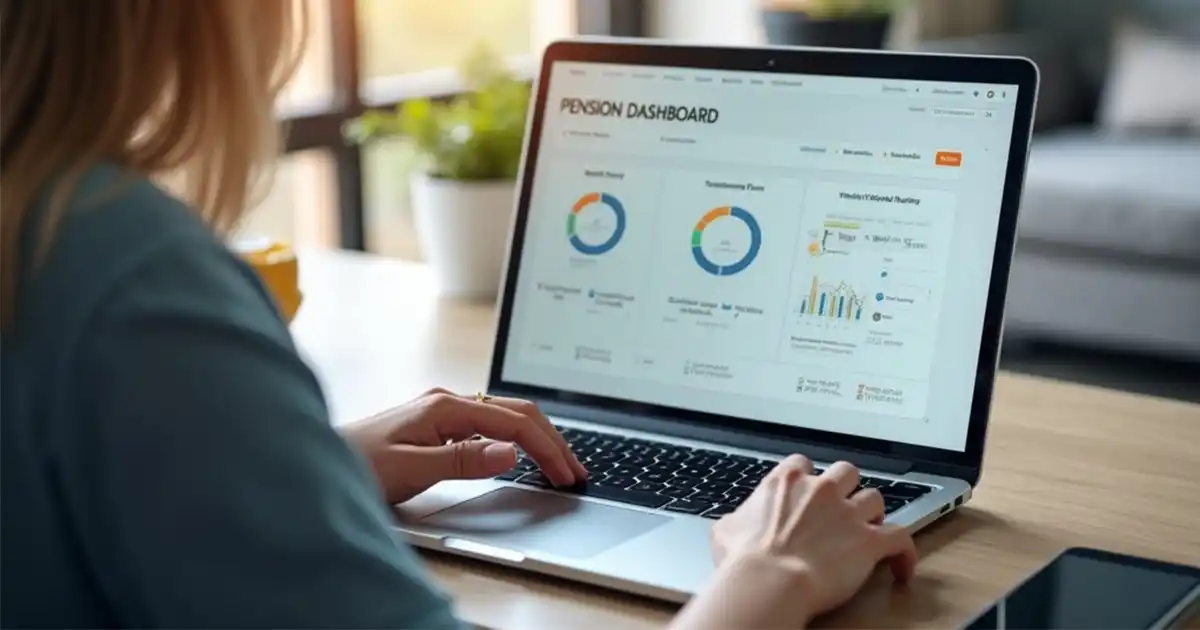
It’s a government backed digital service that lets someone see all their pensions in one place: State Pension, workplace pensions, personal pensions, all of it, on one screen instead of scattered across old paperwork and half-remembered logins. The public version, the MoneyHelper Pensions Dashboard, is being built by the Money and Pensions Service and is already being trialled with a small number of users.
The problem it’s trying to solve is a familiar one. People change jobs, and each new job often means a new pension pot. A few job changes later and there’s a trail of small pensions nobody has properly kept track of. Some are genuinely lost. The dashboard exists to pull all of that together so people can actually see what they’ve got, rather than guessing.
Who has to connect, and by when
Here’s where a lot of the confusion for employers creeps in, understandably so. The legal duty to connect to the dashboards system doesn’t sit with employers. It sits with pension scheme trustees, managers, and FCA regulated pension providers. Under the Pensions Dashboards Regulations 2022, connection is mandatory for occupational schemes with 100 or more members and for FCA regulated personal and stakeholder pension providers, with every scheme in scope required to be connected by the final deadline of 31 October 2026.
If your SME uses a mastertrust or workplace personal pension, NEST, Smart Pension, or similar, your provider carries the legal and technical weight of connecting to the dashboards ecosystem. You don’t need to build anything or configure anything on your end. What’s worth your attention instead is the part you do play, because there is one, even if it’s not a legal one.
What SME employers should actually be doing about it
Nobody’s asking you to do the technical heavy lifting here. But there are a few things worth sorting out before the deadline rather than after it.
Start with your employee data. Dashboards match people to their pensions using details like name, date of birth, address and National Insurance number. If what your provider holds is out of date or has a typo in it somewhere, an employee might not find their pension at all, or worse, end up matched to someone else’s. Worth a quick check of what payroll is actually sending across, sooner rather than later.
Then brace for more questions, not fewer. Once staff can see their pension pots and State Pension forecast side by side, plenty will properly engage with their retirement savings for the first time in years. That’s genuinely a good thing. It also means HR should expect a jump in queries about contribution levels, old pensions they’d forgotten about, and what the numbers on screen actually mean. Having something ready that employees can work through themselves saves fielding the same question fifteen times over.
It’s also a decent excuse to talk about pensions properly, rather than waiting to be asked. A reminder of what your scheme offers, how contributions work, why staying enrolled is usually the sensible option, none of it needs to be complicated. Employers who get ahead of this tend to see fewer opt-outs and fewer confused emails than those who wait for staff to bring it up first.
One thing worth being clear on: this is separate from your existing auto-enrolment duties. Dashboards connection has nothing to do with your Declaration of Compliance, your obligation to avoid TPR penalties for late or missed enrolment, or your three-yearly re-enrolment cycle. Different regime, different owner, easy to conflate the two if nobody’s spelled it out.
Why this is worth more than a box-ticking exercise
It would be easy to file this under “the pension provider’s problem” and move on. That would be a bit of a waste, though. Pension engagement is already low across most age groups, and it’s worse among younger staff who tend to see retirement as someone else’s problem, decades away and not particularly relevant to rent or student debt right now. A prompt that gets people actually looking at their pension pots for the first time doesn’t come along often. Missing that chance to build real understanding, rather than just a moment’s awareness, seems like a shame.
That’s really where proper financial education earns its keep. Someone who understands roughly what a pension is, how contributions and tax relief actually work, and why it might be worth consolidating old pots, is in a far better position to do something useful with a dashboard once they see one. Without that groundwork, most people will glance at the figures, feel vaguely reassured or vaguely alarmed, and close the tab.
Getting ready without making a project of it
For most SMEs, this comes down to three things: check your pension provider is on track to connect, check the accuracy of the employee data you’re sending them, and use the run-up to the deadline as a reason to freshen up how you talk to staff about pensions. None of it needs new software or a big budget. It does need pension education to stop being an afterthought.
Aspina’s platform gives SMEs trackable, plain English pension training, so employees actually understand what they’re looking at once dashboards go live, plus completion reports HR can file away for audit purposes. Take a look at our FAQs if you want the detail, or get in touch to talk through what your organisation needs.